
-
 Welcome to the Muppet Central Forum!
You are viewing our forum as a guest. Join our free community to post topics and start private conversations. Please contact us if you need help. -
 Sesame Street Special
An all-new Sesame Street special "Sesame Street and the Great Elephant Adventure" has premiered on PBS and YouTube. Tune in and let us know your thoughts. -
 FIFA World Cup 2026 Final Halftime Show
The Muppets and Sesame Street took the stage alongside global superstars for an unforgettable halftime spectacular. -
 The Muppet Show
The must-see event of the year is here! Let us know your review of The Muppet Show special starring Sabrina Carpenter now streaming on Disney+. -
Sesame Street Classics on YouTube
Full episodes of classic Sesame Street have arrived on YouTube. See the latest releases and join the discussion. -
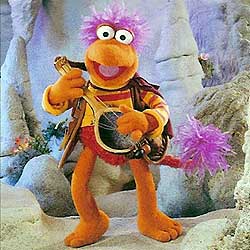 Back to the Rock Season 2
Fraggle Rock Back to the Rock Season 2 has premiered on AppleTV+. Watch the anticipated new season and let us know your thoughts. -
 Sesame Street debuts on Netflix
Sesame Street Season 56 has premiered on Netflix and PBS. Let us know your thoughts on the anticipated season. -
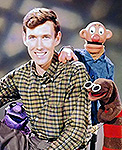 Sam and Friends Book
Read our review of the long-awaited book, "Sam and Friends - The Story of Jim Henson's First Television Show" by Muppet Historian Craig Shemin. -
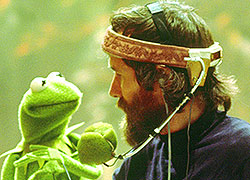 Jim Henson Idea Man
Remember the life. Honor the legacy. Inspire your soul. The new Jim Henson documentary "Idea Man" is now streaming exclusively on Disney+. -
 Bear arrives on Disney+
The beloved series has been off the air for the past 15 years. Now all four seasons are finally available for a whole new generation.
Computer screen trouble
- Thread starter D'Snowth
- Start date


